If you have found your way to apps and software AlienSync, you are probably trying to get two tools talking to each other and would rather not keep copying things across by hand.
This guide covers the practical side. What AlienSync is, what to check before you connect anything, how to wire up your first two apps, what tends to sync cleanly and what tends not to, and what usually breaks.
One thing worth saying at the outset: the public record on AlienSync is thinner than you might expect. Where something can be established, this guide says so. Where it cannot, it says that too and gives you the general pattern instead, which holds for any sync tool you end up using.
What AlienSync Is, Briefly
AlienSync presents itself as an integration platform. The idea behind it is a familiar one. Rather than every app keeping its own separate copy of your information, a sync layer sits between them and passes changes across automatically.
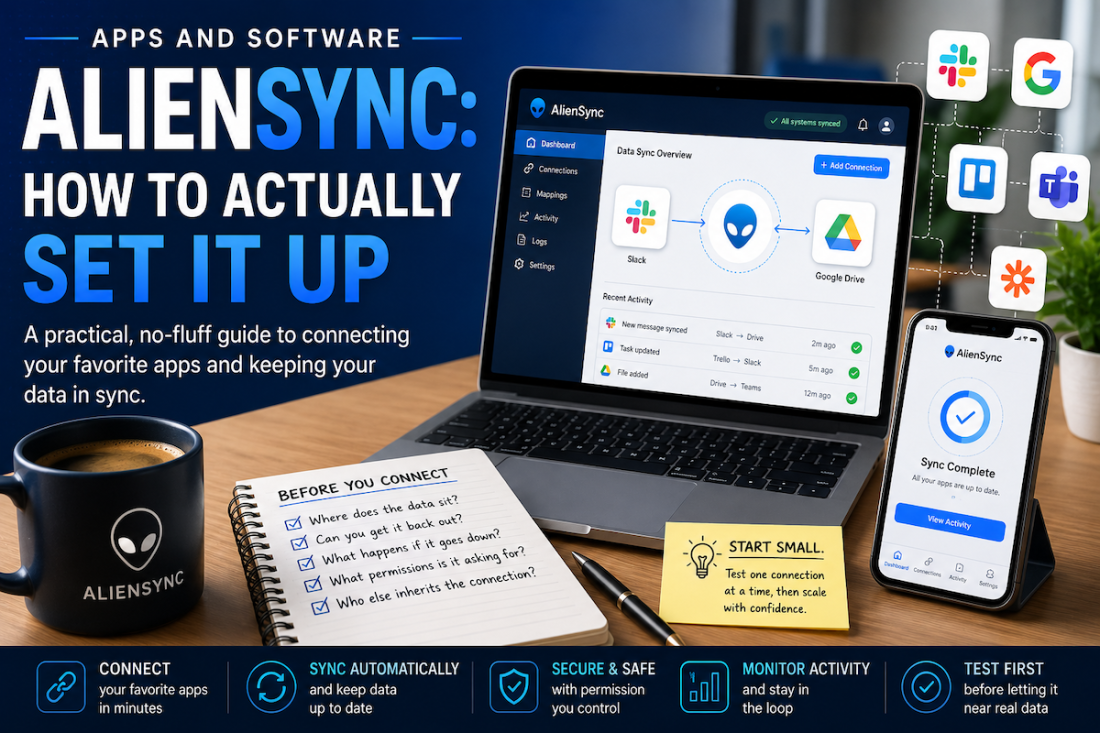
Most write-ups list the same set of connections, usually naming Slack, Trello, Google Workspace, Microsoft Teams and Zapier. Those lists tend to arrive with hedging language attached, and the underlying documentation is hard to track down. Treat them as claims rather than confirmed capability, and check the current integration list yourself before planning anything around it.
That is not a reason to dismiss it. It is a reason to test small before committing, which is sound advice for any tool in this category and the approach the rest of this guide takes.
Under apps and socials AlienSync, the same logic extends to social accounts: posts, messages and engagement figures moving between platforms and whatever you use to keep track of them.
Before You Connect Anything
This is the part almost nobody covers, and it is the part that saves you a weekend later. Sync tools ask for a great deal of access. Before authorising anything, work through five questions.
Where does the data actually sit? Some tools pass information straight through. Others hold a copy on their own servers. That matters for anything sensitive, and it matters again if you ever stop paying.
Can you get your data back out? Look for an export function before you put anything in. A tool that makes leaving awkward is a tool you will come to resent.
What happens when it goes down? Every sync service has outages. The question is whether changes queue up and catch up afterwards, or simply disappear.
What permissions is it asking for? Read-only access is a very different proposition from full account access. If a tool wants permission to write to your calendar when all you asked for was to read it, find out why.
Who else inherits the connection? Connecting a shared account means everyone with access to that account inherits whatever you just authorised.
None of this takes long, and running through it once is considerably quicker than unpicking a bad integration afterwards.
Connecting Your First Two Apps
The pattern is much the same across every tool in this category, AlienSync included. You choose what to connect, you authorise it and map the fields, then you test. Three steps, and the third is the one people skip and later regret.
Pick the two that hurt most
Do not start by connecting everything. Start with the single piece of copying that irritates you most.
For most people that is the same information being entered twice: a new customer going into both a form and a spreadsheet, or a task living in a project tool and a calendar. Fix one real irritation first. You learn how the tool behaves on something small, and if it goes wrong the damage stays contained.
Authorise and map the fields
Authorising is usually a matter of signing in to each app and granting access. Mapping is where the actual work sits.
Field mapping means telling the tool which field on one side corresponds to which on the other. Full Name in one app might be two separate fields in the other. Dates are stored differently all over the place. Get this wrong and you end up with a sync that works perfectly while quietly putting the wrong information in the wrong place, which is worse than no sync at all.
Take the extra ten minutes here.
Test with one record before you trust it
Create a single test record. Watch it appear on the other side. Check every field, not just the obvious one.
Then change it, and watch the change come across. Then delete it, and see what happens, because deletion behaviour varies enormously between tools and it is far better to discover that with a record called Test than with a real customer.
Only when all three work should you let it near real data.
What Syncs Cleanly and What Doesn’t
Some things move between apps without complaint. Others cause trouble every time, whichever tool you use.
Text fields, names, email addresses, numbers and simple dates are reliable. They mean the same thing everywhere and there is little to get wrong.
Attachments are less dependable. Files may sync as links rather than copies, which works nicely until somebody moves the original. Formatting rarely survives intact either: bold text, bullets and headings often arrive as plain text or, worse, as visible markup.
Custom fields are the usual culprit. If you have built something bespoke in one app, the other probably has no equivalent, and the tool will either skip it or deposit it somewhere unhelpful.
Anything carrying its own identifier deserves attention. Records that apps track by internal ID rather than by name can duplicate when that ID does not carry across.
Under socials and software AlienSync, the same caution applies to anything platform-specific. Reactions, threading and mentions rarely translate cleanly from one social tool to another.
The practical rule is to sync the boring fields and handle the interesting ones by hand.
Setting Up Your First Automation
Syncing keeps two apps agreeing with each other. Automation goes a step further and makes something happen in response to an event.
Every tool describes this the same way, whatever the interface looks like. A trigger is the thing that starts it. An action is the thing that follows. When a new row is added to this sheet, create a task in that project tool. That is the whole idea.
Start with something low-stakes, where a mistake is annoying rather than expensive. Notifying yourself when something happens is a better opening move than automatically emailing a customer.
Build one, run it for a week, then look at what it actually produced. Automations tend to be either invisible or unbearable, and living with one is the only way to find out which.
Once you trust it, chain a second step on. Under app and socials AlienSync, a common pattern is a new form response creating a task and posting a note to a team channel at the same time. Resist the urge to automate everything in one sitting. Each automation is something else that can break quietly.
What Usually Breaks
Four things account for most of the trouble, and all four are fixable once you recognise them.
Duplicates are the most common. They happen when two apps identify records differently, so the same person arrives twice under slightly different spellings. Agree on a single unique field, usually an email address, and match on that.
Sync loops are the most alarming. App A updates App B, which updates App A, which updates App B again. You notice when the record count starts climbing on its own. Most tools have a setting that stops changes echoing back. Find it before you need it.
Expired authorisations are the quietest. A password change or a security policy can revoke access without announcing it, and the sync simply stops. Nothing looks broken until somebody notices the data has gone stale. Check your connections monthly.
Rate limits are the most confusing. Apps cap how many requests they accept in an hour, and a large first sync can hit that ceiling and stall halfway. It usually resolves itself, but a partial sync looks a lot like data loss. Wait before you start deleting things.
One more worth watching under updates on software socials AlienSync: platforms change their APIs, and a change at their end can break a working connection with no warning at all.
AlienSync and the Alternatives
| Tool | What it suits | Worth knowing |
|---|---|---|
| AlienSync | General app and social syncing | Track record is harder to establish than the others here |
| Zapier | Beginners and the widest choice of connections | Costs mount quickly once volume rises |
| Make | Multi-step workflows with branching logic | Steeper to learn, more capable once you have |
| n8n | Teams who want to self-host | Technical setup, but full control of your data |
The honest position on software socials AlienSync is that it is harder to assess than its competitors, simply because there is less independent information about it. Zapier, Make and n8n have years of public documentation, user forums and people writing about what went wrong. AlienSync has considerably less of that, and the absence of a track record is a reason to test carefully rather than a verdict in itself.
Frequently Asked Questions
What is apps and software AlienSync?
It refers to using AlienSync to connect separate applications so they share information automatically, rather than requiring you to copy the same details between them by hand.
What can AlienSync connect to?
Published descriptions commonly mention Slack, Trello, Google Workspace, Microsoft Teams and Zapier, though those lists are not easy to verify independently. Check the current integration list directly before relying on any specific connection.
Is AlienSync difficult to set up?
Connecting two apps is generally straightforward. The part that takes care is field mapping, where you tell the tool which field on one side matches which on the other. Rushing that stage causes most early problems.
What is the difference between syncing and automation?
Syncing keeps the same information consistent across two apps. Automation makes something new happen when an event occurs, such as creating a task whenever a form is submitted.
Why do duplicate records keep appearing?
Usually because the two apps identify records differently, so the same person is treated as two. Matching on a single unique field, most often an email address, resolves it in nearly every case.
What should I check before connecting an app?
Where the data is stored, whether you can export it again, what happens during an outage, exactly which permissions are being requested, and who else inherits access through a shared account.
Getting the Most From Apps and Software AlienSync
The tools in this category all reward the same habits. Connect the thing that annoys you most, map the fields carefully, test with one record before trusting it with a thousand, and add automations one at a time rather than in a burst of enthusiasm on a Sunday afternoon.
Do those four things and apps and software AlienSync will save you real time. Skip them and you will spend longer untangling the sync than you ever spent copying by hand.
Start small, keep an eye on it for the first fortnight, and build from there.